Boris Cherny created Claude Code, but he does not use a complicated setup. Here is how he uses Claude Code:
Original post: https://x.com/bcherny/status/2007179832300581177?s=20
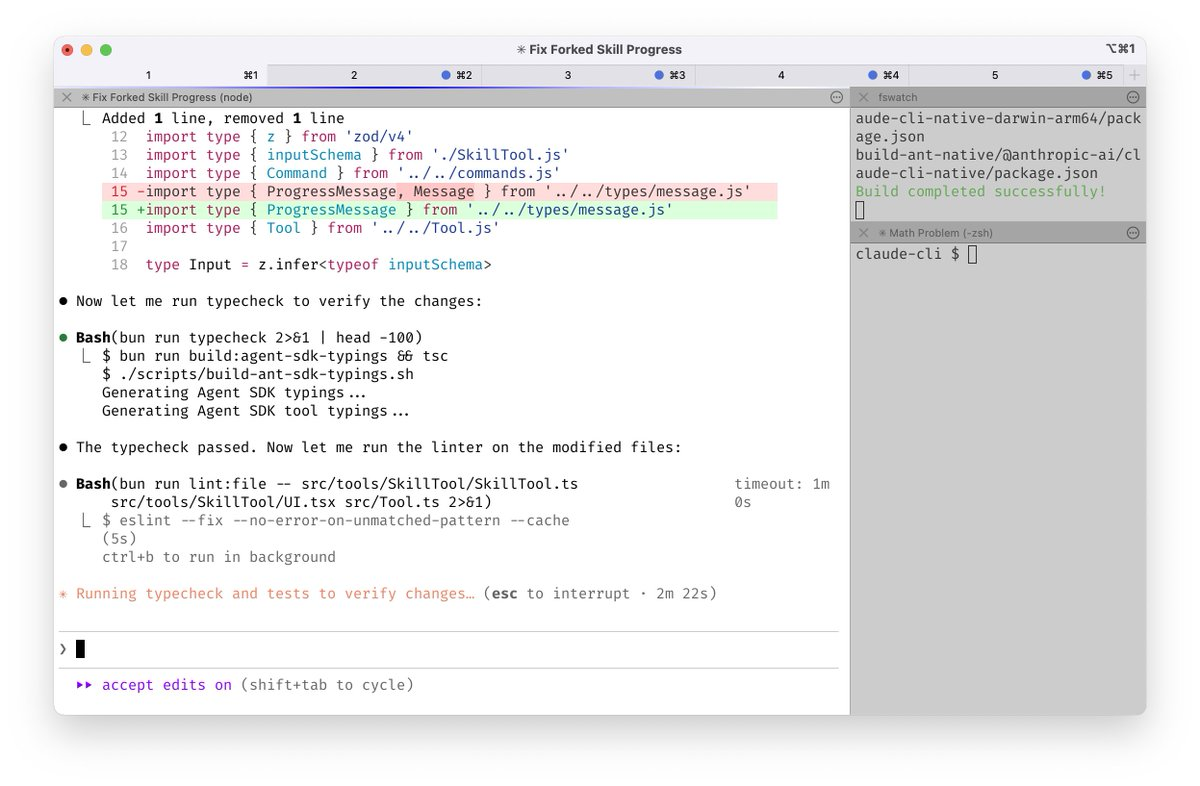
- Run 5 Claude Code instances in parallel in the terminal, and enable system notifications so you know when Claude needs human input.
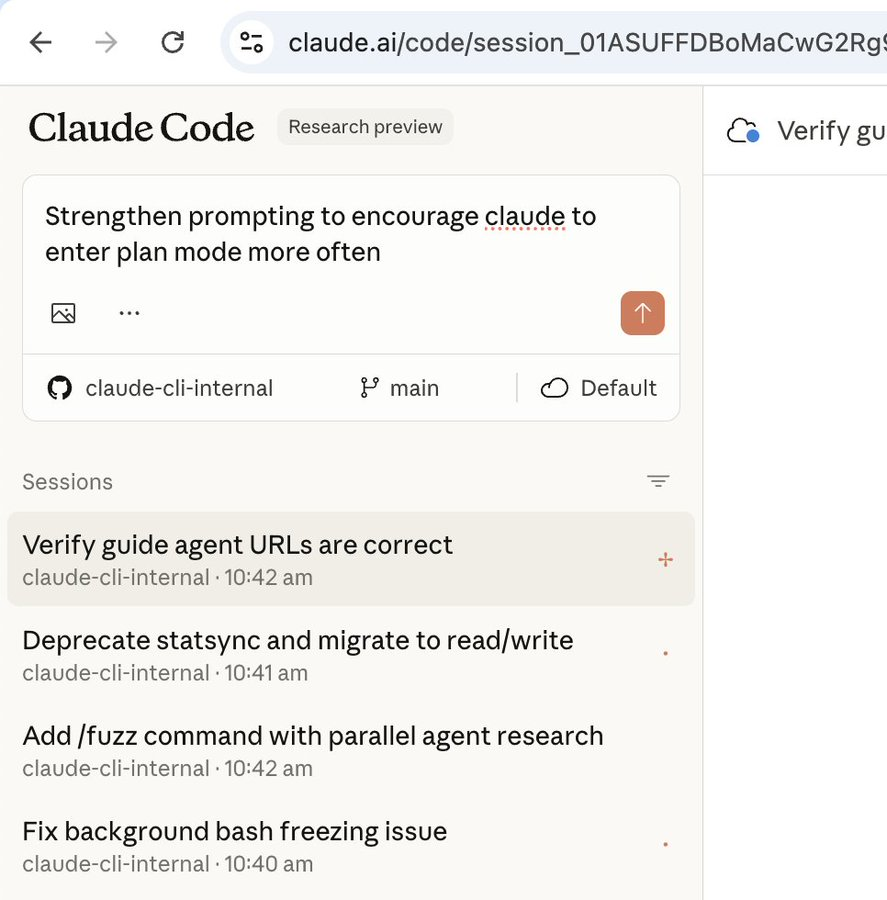
- Run 5 to 10 Claude instances on the web in parallel with local sessions, and switch using the
--teleportcommand. Boris also starts tasks on mobile every morning.
Use Opus 4.5 with thinking mode. He considers it the best model for coding.
The team maintains
CLAUDE.md. If Claude makes a mistake, record it there to avoid repeating it.During code review, mention
@.claudeon a teammate PR. Claude will analyze the change and append notes toCLAUDE.mdto compound knowledge over time.Most conversations start in planning mode.
Planmode is crucial.Use custom slash commands to speed up workflows and avoid repeating prompts. Boris uses
/commit-push-prto quickly commit code and open a PR.Use subagents. Boris uses
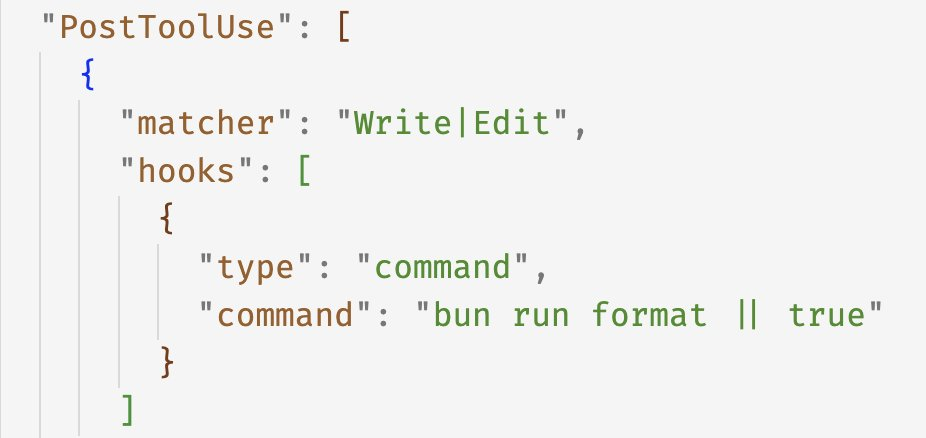
code-simplifierto simplify Claude generated code andverify-appto test the work.Use the
PostToolUsehook to validate code, avoid formatting issues, and follow project conventions.
Do not use
--dangerously-skip-permissions.Configure MCP services and tools, including Slack MCP, BigQuery, and Sentry.
For long running tasks, ensure Claude can complete work independently and self verify. Boris uses prompts for subagent validation, hook based checks for stability, and the ralph-wiggum plugin for verification.
The most important point is building a self verification feedback loop for Claude. He says it improves output quality by 2 to 3 times.