In the previous post, we covered how to install Claude Code. This one focuses on common commands.
Check the version
claude --version
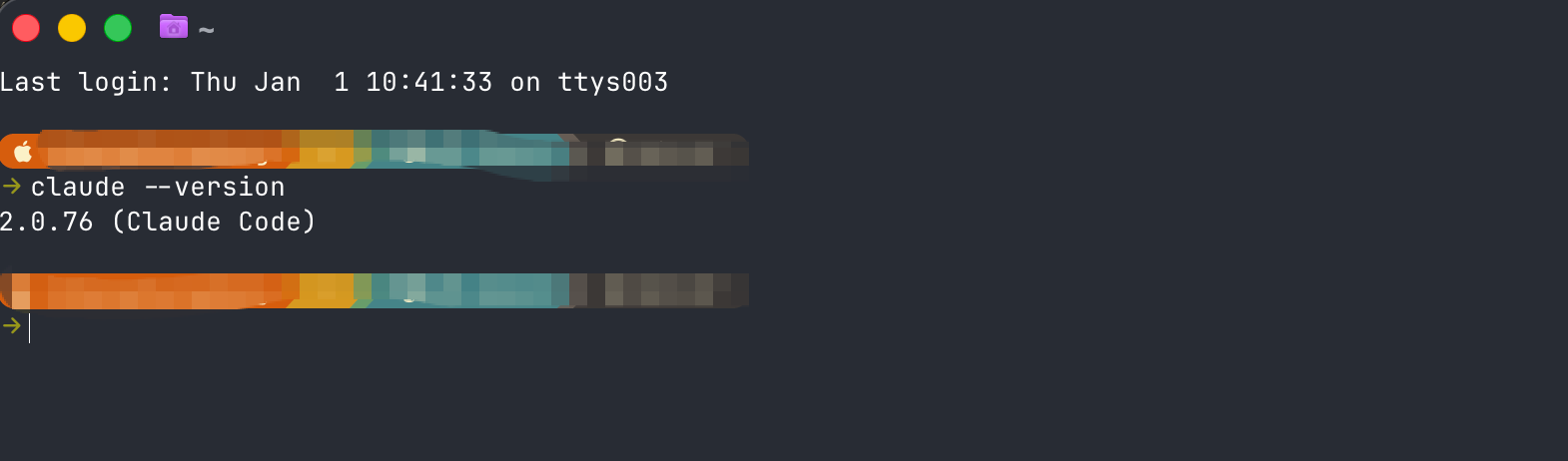
This command shows whether your Claude Code version is up to date.
MCP
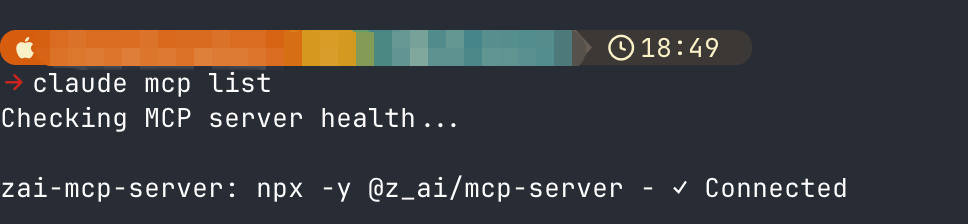
claude mcp list
Skills are getting the spotlight, but MCP is still a key way to access external services. The command above shows which MCP services Claude Code is connected to.
Many MCP services now support one line setup. For example, I often use chrome-devtools-mcp to pair with Claude Code for web automation tasks like content scraping.
One line setup:
claude mcp add chrome-devtools npx chrome-devtools-mcp@latest
If you plan to use MCP, I strongly recommend reading each MCP repo. Most repos explain how to configure different coding agents.
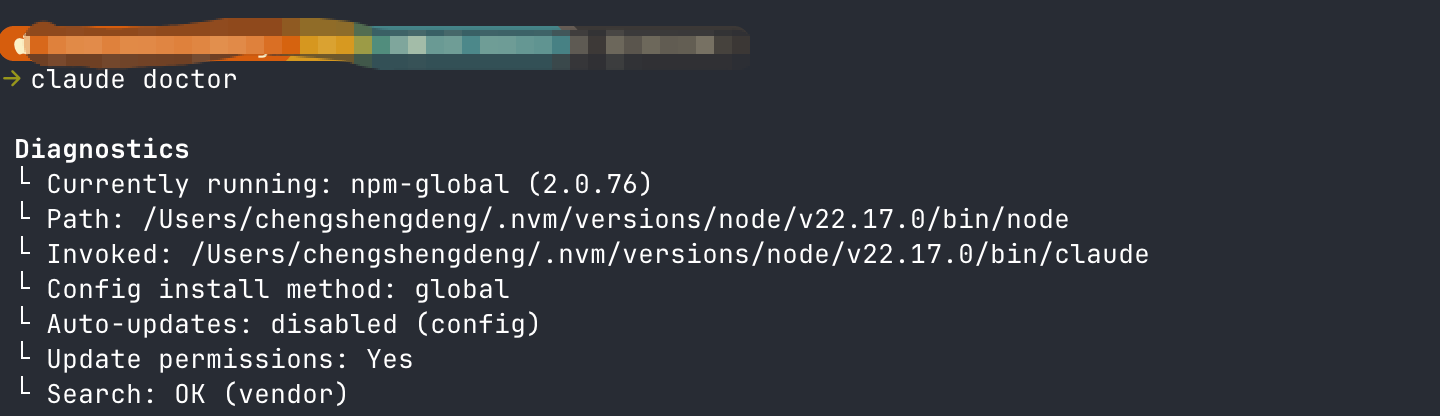
Diagnostics
claude doctor
This command shows Claude Code diagnostics.
YOLO mode
This mode is risky. Think carefully before using it.
claude --dangerously-skip-permissions