Claude Code has become a classic agent workflow in 2025. Learning how to use it is important. This series starts from scratch and records how to get going with Claude Code.
Prerequisites
Before using Claude Code, you need a Claude subscription or access to the Anthropic API. If you cannot use Claude, you can use Chinese providers that integrate with Claude Code, such as Zhipu or Kimi.
We will write a separate post on using Claude Code with different Chinese models.
If you use a Claude subscription, the Pro plan is not enough. You need at least the 100 USD tier. The 20 USD tier on Codex and some Chinese providers is more cost effective.
We will continue using Claude models in this series.
Install Claude Code
There are multiple ways to install Claude Code. Here is a list.
macOS, Linux, WSL
curl -fsSL https://claude.ai/install.sh | bash
If you use macOS, you can also install with Homebrew:
brew install --cask claude-code
Windows PowerShell
irm https://claude.ai/install.ps1 | iex
Windows CMD
curl -fsSL https://claude.ai/install.cmd -o install.cmd && install.cmd && del install.cmd
You can also install via npm. Your Node.js version needs to be 18 or higher.
npm install -g @anthropic-ai/claude-code
After installation, you can use Claude Code inside your project.
cd your-project-directory
claude
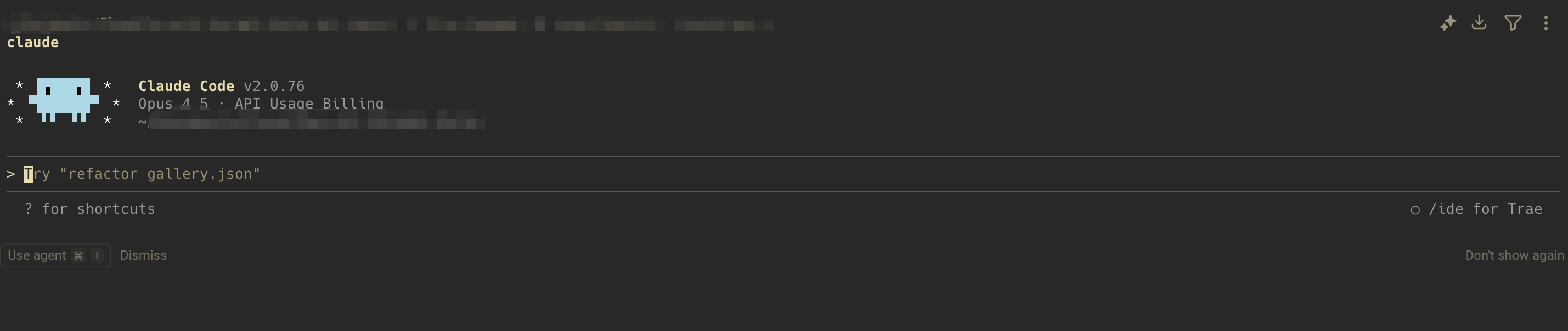
You should see something like this:
Now you can start normal conversations.